
In a pocket
The same system, away from home.
Lighting, climate and scenes in the app, with the house still running its own logic locally.
The mobile app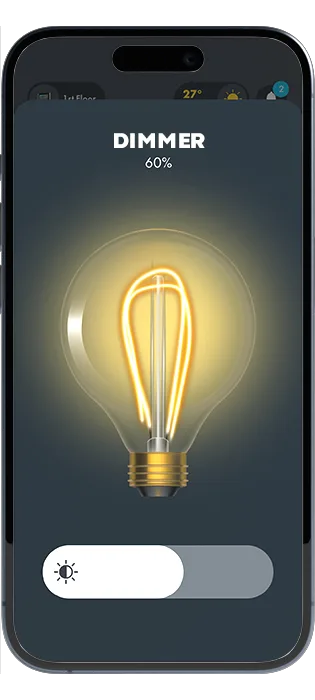

Solutions · Home automation
Solutions
The measure of a good system is that nobody in the house has to be taught how it works.
Light, climate, blinds, media and the door in one place — the panel, the wall or the phone.
The rules live in the home. The cloud is for configuration, not for switching a light.
KNX, Modbus, BACnet, Zigbee and iNELS at once, so the house is specified on merit.
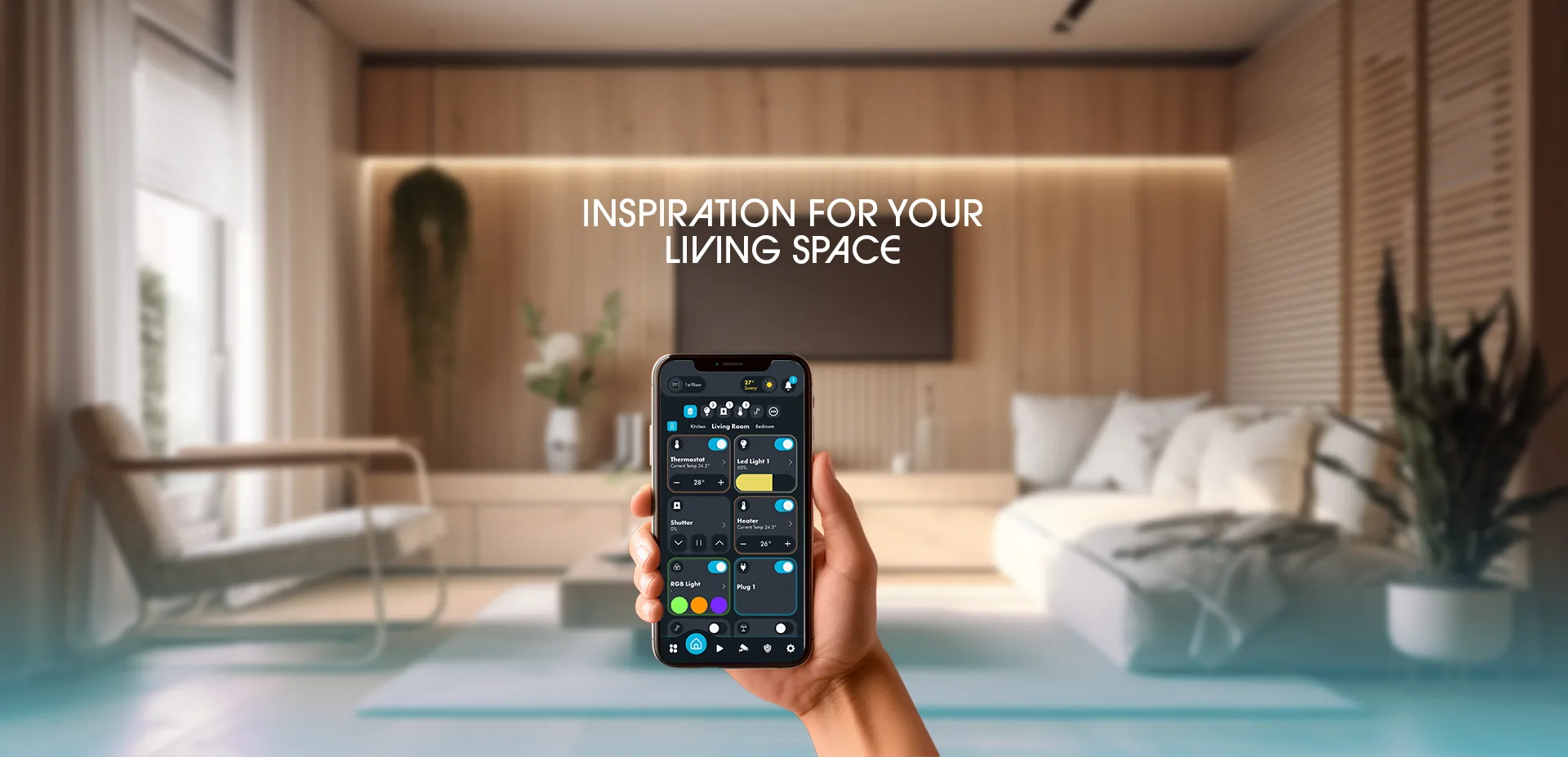
01In the room
A panel sized to the room, a controller behind the wall, and a phone. All three behave the same way.
See the panelsIn a pocket
Lighting, climate and scenes in the app, with the house still running its own logic locally.
The mobile appHow it works
Panels and servers centralise the house: lighting, climate, security and media in one place. Sensors, actuators and controllers connect once, and the VRF and BMS add-ons extend the same control to the plant.
Home automation topology
Lighting, air conditioning, shading and security under a single point of control.
AC and VRF set by zone from the panel or the app, not by whoever is holding the remote.
Sensors and actuators trim the plant in real time, so comfort does not cost the difference.
Home automation solutions
Levels, scenes and schedules per room, from any surface in the house.
01
Heating, cooling and ventilation held per room, with setbacks when nobody is in.
02
Blinds and curtains on sun, glare and privacy, rather than on somebody remembering.
03
Alarm state, doors and cameras read on the screen that is already on the wall.
04
Sources and zones alongside the rest of the room instead of on their own remote.
05
What the house is using, live, with the loads worth shedding already named.
06
Capabilities
Switching, dimming, tunable and RGB, plus blinds.
Heating, cooling and VRF, per room.
One press sets the room for the moment.
Rules run on the device. Losing the cloud does not lose the room.
One interface on the panel and in a browser. Built, not drawn twice.
The same system in a pocket, for everyone who needs it.
The protocol, the room count and the panel sizes. We reply with a specification.