Platform

One platform.Three layers.

SkyPlatform, powered by SkyThings.

How the system is put together

On the device

Linux and Android, on every device.
  • Multiprotocol library
  • Flow-based programming
  • Logic and math functions
  • Local logic
  • Data logging
  • Built-in web server

In the cloud

Configuration, licences and monitoring.

  • Project configuration
  • Licences
  • Live monitoring
  • Centralised management
  • Cloud programming
The surfaces

Where people touch it

What people actually use, day to day.

  • SkyThings Mobile App
  • Visualization
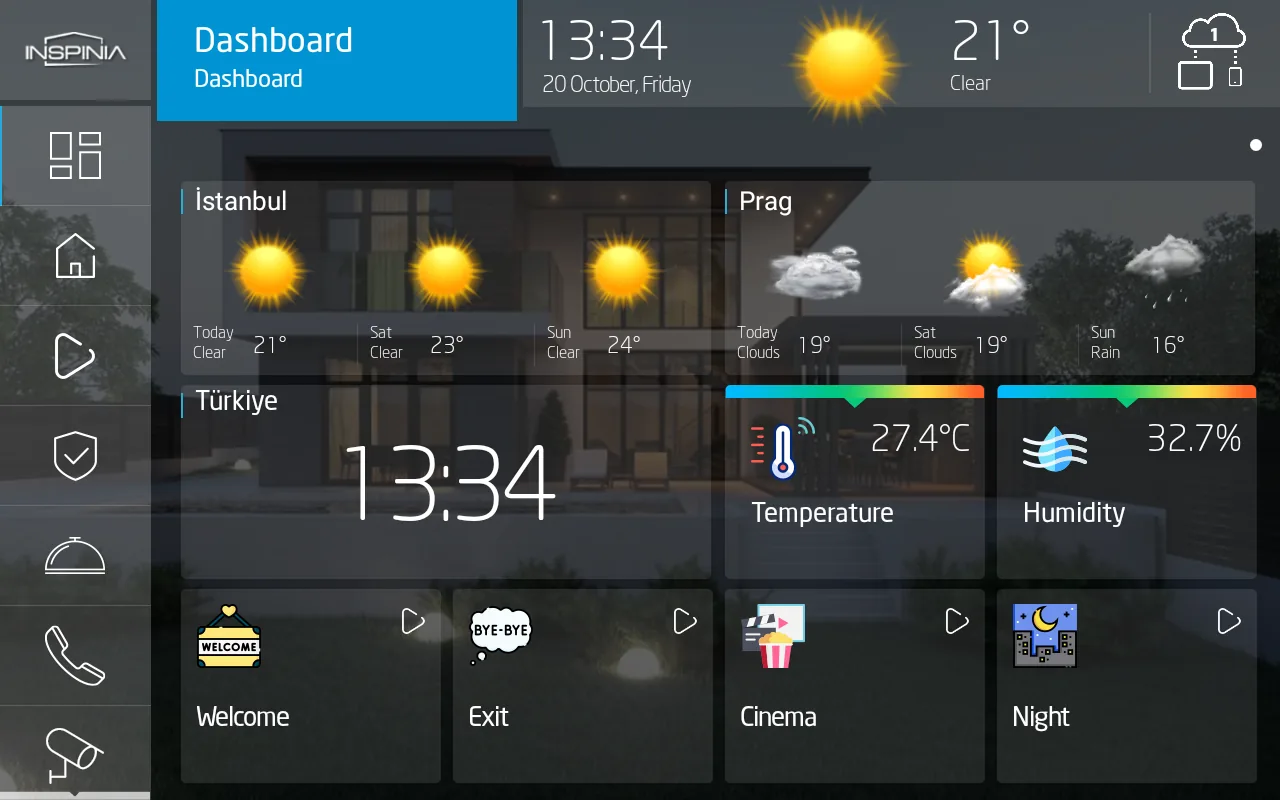
  • Touch panels
  • Room controllers

Cloud programming

Program the building, node by node.

One project holds every device. Drivers, objects, logic and output sit on the same sheet — and the sheet runs on the panel.

SAVEGroup: Technic 8″ Panel (v.401)Online
Thief

Driver | Digital IO

    • INPUT_1
    Flooding

    Driver | Digital IO

      • INPUT_2
      Security Object

      Security Object

      • Arm/Disarm
      • Night Mode Arm/Disarm
      • 24 Zone Suspend
      • Alarm
      • Thief
      • Fire
      • Gas
      • Flooding
      • Zone1
      • Zone2
      • Zone3
      • Zone4
      • Arm/Disarm
      • Night Mode Arm/Disarm
      • Arm Counter
      • Disarm Counter
      • Alarm
      • Thief
      • Fire
      • Gas
      • Flooding
      • Zone1
      • Zone2
      • Zone3
      • Zone4
      MultiplexerPlugin

      MultiplexerPlugin

      • input
      • Prepare
      • ALARM
      Notification

      Notification

      • prepare
      • title
      • body
        Alarm Sound

        Sound

        • play/pause
        • mute
        • play/pause
        • mute

        SimulatorA rebuilt SkyPlatform sheet, used to walk through a working scenario. The node names, ports and plugins are the product’s; the layout is simplified. The editor itself is shown below.
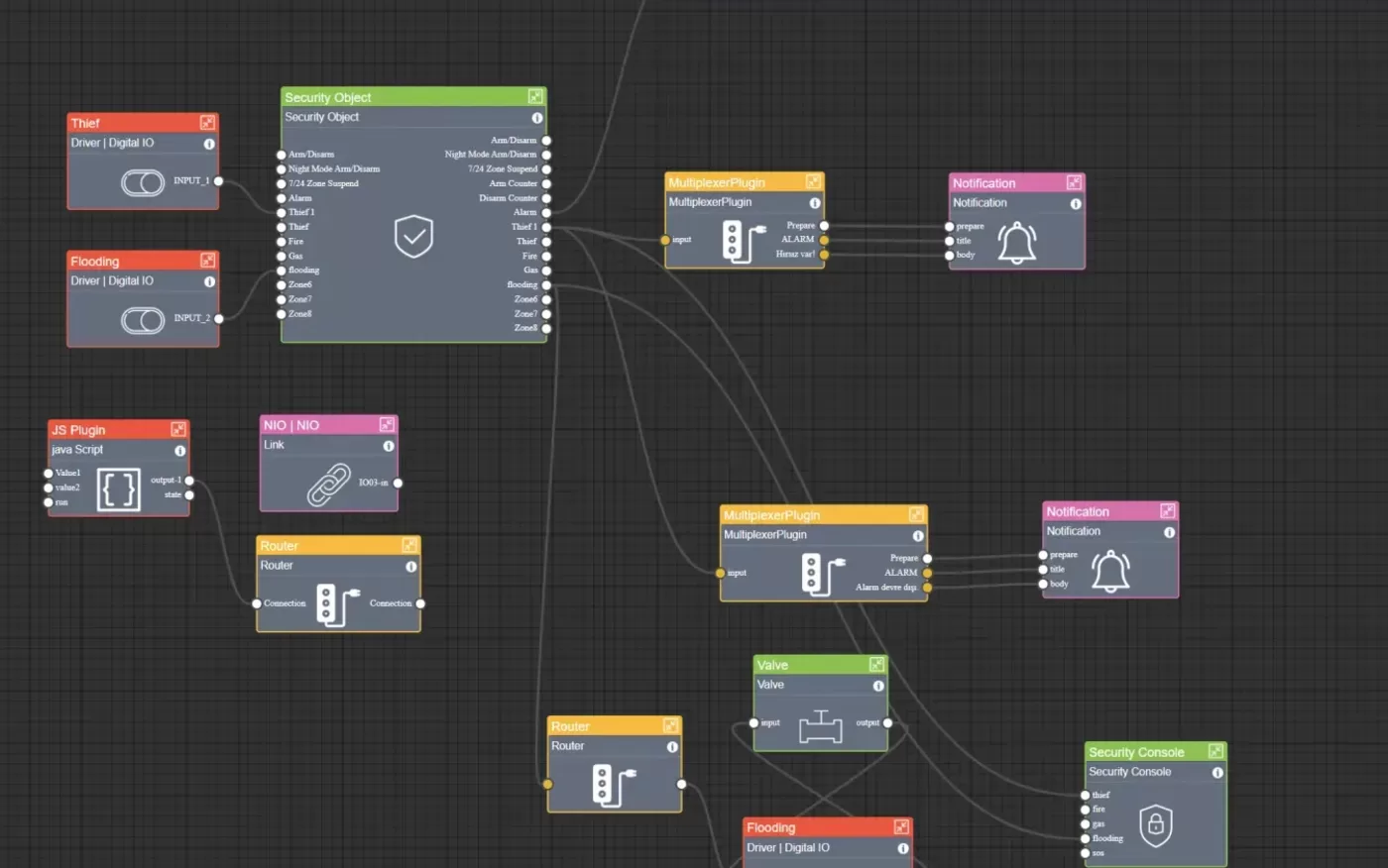

        1. 01The sheetOne canvas per page. A page is a room, a service, or a logic sheet — here, Security.
        2. 02DriversA dry contact on a digital input. INPUT_1 carries the thief loop, INPUT_2 the flood sensor.
        3. 03ObjectsOne Security Object holds the arm states, the alarm, and twelve zones — not twelve separate blocks.
        4. 04LogicMultiplexers, routers, conditions and scripts. The logic is part of the sheet, not a separate service.
        5. 05OutputThe alarm leaves as a push notification and as a sound on the panel.
        6. 06All of it, on the deviceThe whole sheet keeps running when the cloud is unreachable.
        A close view of a SkyPlatform sheet: driver, security object, multiplexer, notification, router and valve nodes wired together on the canvas.
        The editor itself, at working zoom. The sheet above is the same one, drawn live so it stays legible at any width.

        The 3.0 release

        Watch it work.

        Everything above, in motion. Our most recent platform film — the one we recorded for the 3.0 update, and still the one that shows how the software behaves.

        The redesigned admin panel, favourites and project sharing, the SkyThings app in sync with it, multi-language support, modern authentication, and the performance work underneath.

        The difference

        Works when the cloud doesn’t.

        Local logic continues during cloud connectivity loss. It lives on the device, in the building.

        Cloud reachable

        Configuration, remote access and monitoring.

        Cloud unreachable

        Local logic continues to run on the device.

        The multiprotocol library

        A building rarely runs on one protocol.

        • BACnet
        • Apple Home
        • Google Home

        Explore the platform

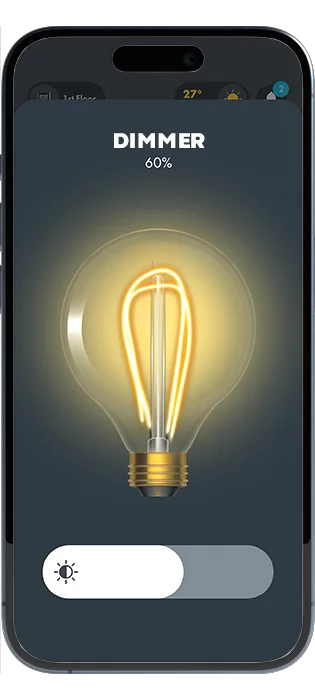
        SkyThings Mobile App interface

        SkyThings Mobile App

        The award-winning app, used every day.

        The app
        Start with the specification.

        Send the protocol, the room count, and the panel sizes. We reply with a specification.

        Request a quoteFind a certified installer